


1. Go to the following link
2. Click on the 'Sign In' button at the top right of the menu bar, highlighted in red below.

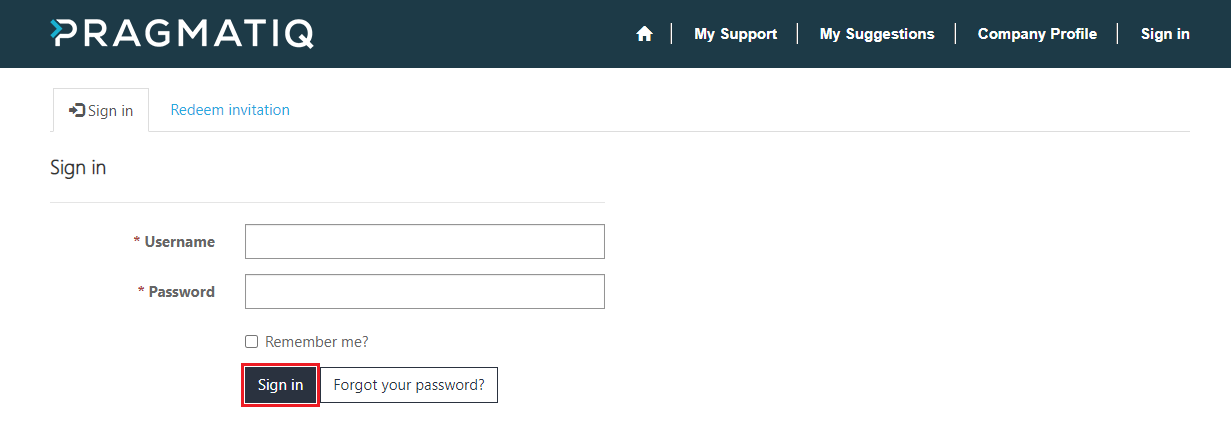
3. Enter your username which will be your email address and the password provided. Then sign in using the 'Sign In' button highlighted in red below.
4. To change the password, click on the link highlighted in red above and enter your current password followed by the new password twice. As shown below. Then click the button 'Change Password'.